
Unifying Access Control, Alarm Information, and Video
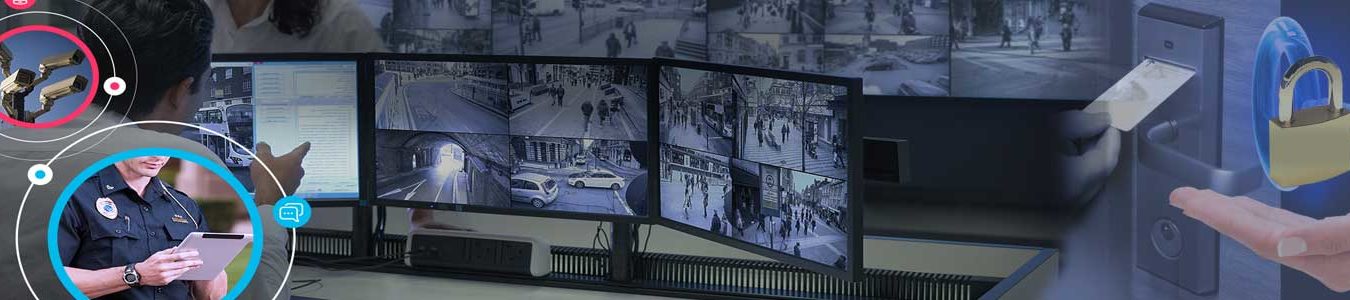
Plan how access control, intrusion alarm information, and video should work together before choosing a unified security solution. Start with the events your staff need to understand, the equipment already installed, and the people responsible for review.
Start with a specific event
Choose an operational example: a denied entry, a door left open, or an after-hours arrival. Describe what the responsible person should receive and what decision that information should support. An event name, location, time, and relevant camera view may be more useful than a long list of unrelated notifications.
Unify access control with alarm information
Plan for authorized operators to review door activity alongside intrusion alarm information in a coordinated interface or linked event workflow, where supported. Useful alarm information may include armed or disarmed status by area, the zone that generated an alarm, event time, and trouble conditions such as a communication failure or low battery. Ask which information the proposed integration actually makes available and whether it updates in real time or requires a separate view.
For example, when a protected door opens after hours, the reviewer should be able to determine whether a credential was presented, whether access was granted or denied, whether the associated alarm area was armed, whether an intrusion event occurred, and which camera view covers the location. Consistent door and zone names and synchronized timestamps help staff relate these records without confusing separate events.
Separate event visibility from alarm control
Viewing alarm information and controlling the alarm system are separate capabilities. Define who may acknowledge events, arm or disarm an area, and change access permissions. A valid access credential should not be assumed to disarm the alarm automatically. Any coordinated access-and-disarm rule needs explicit authorization, confirmed equipment support, a documented operating sequence, and testing with the provider.
Confirm how alarm signals reach the monitoring center and what happens if the combined interface or network connection becomes unavailable. A unified dashboard should not be treated as a substitute for the agreed monitoring and response process. During handover, demonstrate an authorized entry, a denied entry, a door alarm, and a communication trouble condition; record what the operator and monitoring service each receive.
Check the existing equipment
Record the access-control platform, intrusion alarm panel, alarm communication paths, cameras, recording system, and available documentation. Ask the provider to confirm supported connections, licensing, and any limitations before promising a combined workflow. Identify which equipment can remain and which parts of the proposed integration require further evaluation.
Define who reviews the information
Decide who needs access to access-control records, alarm status and event history, and video, who can change permissions, and who handles questions when the usual operator is absent. Keep administrative credentials and detailed access instructions in controlled records. Review responsibilities when staff or operating hours change.
Agree on a demonstration
Ask for a demonstration using representative, authorized scenarios. Confirm whether the operator can identify the location, retrieve the relevant information, and follow the agreed process. Document any limitations and unresolved items. Coordinate all testing with the provider and affected staff before starting.
Prepare your assessment questions
Bring examples of confusing events, existing equipment details, a list of responsible users, and the outcomes you want. Ask how future changes will be documented and who will support the combined system. Integration should address a defined operational need, with capabilities confirmed for the actual equipment and service arrangement.
For property-specific planning, request a security assessment from NERSA. Visit Northeast Remote Surveillance and Alarm, LLC or call 888-344-3846. You can also use the AlarmSystemsPA Planning Library to prepare your project brief and handover questions.